
ELRS Receiver and RF Module LED Indicators
5/29/26About 3 minRemote ControlSiriusELRS指示灯接收机高频头
I. Receiver LED Indicators
1.1 RGB LED Indicators (SkyGuy Nano 2G4)
The SkyGuy Nano 2G4 receiver is equipped with an RGB LED that indicates the current status through different colors and blinking patterns.
| Status | LED Effect | Description | Solution |
|---|---|---|---|
| Receiver Booting | 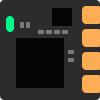 | Rainbow gradient animation, firmware starting | Normal behavior, wait for boot to complete |
| Receiver Waiting for Transmitter Connection | 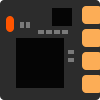 | Red slow flash (500ms cycle) | Check if transmitter is powered on, if binding has been completed, or if distance is too far |
| Receiver Connected to Transmitter | 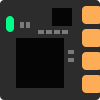 | Solid (color changes based on packet rate, see table below) | Normal operating state, no action required |
| Receiver Binding Mode | 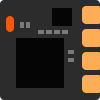 | Orange-red double flash (1.3s cycle) | Initiate binding from the transmitter end simultaneously, or exit binding mode |
| Receiver WiFi Update Mode | 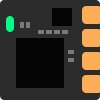 | Green heartbeat | Connect to receiver WiFi hotspot for firmware update, or wait for timeout to auto-exit |
| Receiver Model Mismatch with Transmitter | 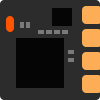 | Orange-red triple flash (1.5s cycle) | Check and reconfigure model ID in ExpressLRS Lua script |
| Receiver RF Failure | 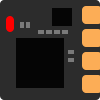 | Red fast flash (200ms cycle) | Check if receiver antenna is properly connected, identify and eliminate interference sources |
1.2 Monochrome LED Indicators
| Status | LED Effect | Description | Solution |
|---|---|---|---|
| Connected to Transmitter | 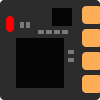 | Solid | Normal operating state, no action required |
| Receiver Waiting for Transmitter Connection | 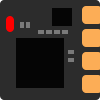 | Slow flash (500ms cycle) | Check if transmitter is powered on, if binding has been completed, or if distance is too far |
| Receiver WiFi Update Mode | 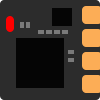 | Fast flash (25ms cycle) | Connect to receiver WiFi hotspot for firmware update, or wait for timeout to auto-exit |
| Receiver RF Failure | 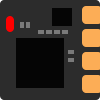 | Medium flash (100ms cycle) | Check if receiver antenna is properly connected, identify and eliminate interference sources |
| Receiver Binding Mode | 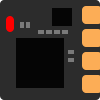 | Double flash then pause | Initiate binding from the transmitter end simultaneously, or exit binding mode |
| Receiver Model Mismatch with Transmitter | 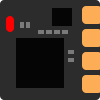 | Triple flash then pause | Check and reconfigure model ID in ExpressLRS Lua script |
II. Transmitter LED Indicators
RGB LED Indicators (CoreWing Sirius 2G4)
| Status | LED Effect | Description | Solution |
|---|---|---|---|
| Transmitter Booting | 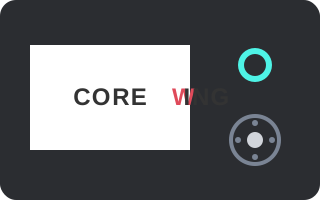 | Rainbow gradient animation | Normal behavior, wait for boot to complete |
| Transmitter Connected to Receiver | 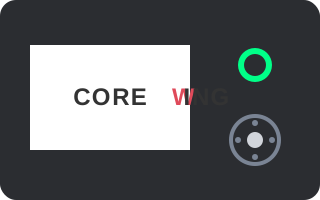 | Solid (color changes based on packet rate, see table below) | Normal operating state, no action required |
| Transmitter Waiting for Connection | 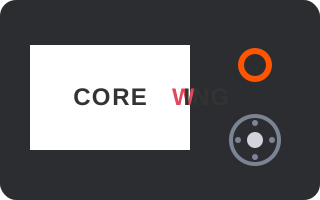 | Monochrome gradient (color indicates packet rate) | Check if receiver is powered on, if binding has been completed |
| Transmitter Binding Mode | 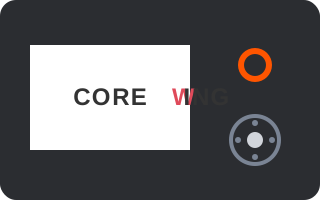 | Orange-red double flash then pause | Initiate binding from the receiver end simultaneously, or exit binding mode |
| Transmitter WiFi Update Mode | 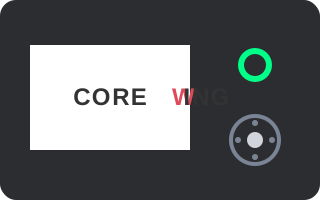 | Green heartbeat | Connect to transmitter WiFi hotspot for firmware update, or wait for timeout to auto-exit |
| Transmitter Bluetooth Controller Mode | 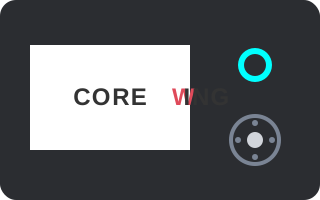 | Blue heartbeat | Normal behavior, Bluetooth controller mode has been enabled |
| Transmitter No Controller Connected | | Orange flash once per second | Check controller connection, ensure controller is properly inserted into transmitter |
| Transmitter Model Mismatch with Receiver | 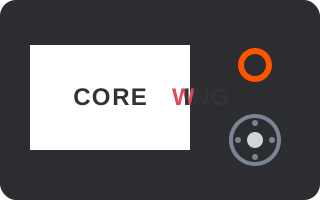 | Orange-red triple flash then pause | Check and reconfigure model ID in ExpressLRS Lua script |
| Transmitter RF Failure | 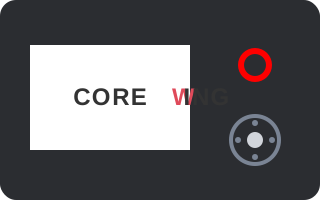 | Red flash (100ms on/off) | Check if transmitter antenna is properly connected, identify and eliminate interference sources |
Tips
When the receiver or transmitter has RGB LED indicators and is successfully bound, the RGB LED color will change based on the current packet rate:
2.4GHz Band:
| Packet Rate | F1000 | F500 | D500 | D250 | 333 Full | 500 | 250 | 150 | 100 Full | 50 |
|---|---|---|---|---|---|---|---|---|---|---|
| LED Effect | 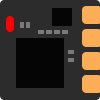 | 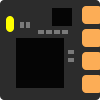 | 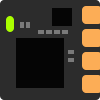 | 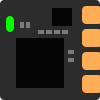 | 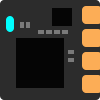 | 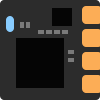 | 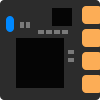 |  |  |  |
Technical Support QR Code
For technical support, scan the QR code:
