
CoreWing F405 WING V2
I. CoreWing F405 WING V2 Manual
View CoreWing F405 WING V2 Manual
III. CoreWing Wireless USB Expansion Board PRO Manual
View CoreWing Wireless USB Expansion Board PRO Manual
II. CoreWing F405 WING V2 Companion Wireless Board Upgrade Tutorial
Important
1. The wireless board firmware must be upgraded to version 8.1.0 or higher to connect to the CoreWing APP!!!
2. The wireless board's Bluetooth firmware needs to be upgraded through the SpeedyBee APP!!!
Important
SpeedyBee APP Download Address: https://www.speedybee.com/speedy-bee-app/
CoreWing APP Download Address: https://www.corewing.com/pages/appDownload/index
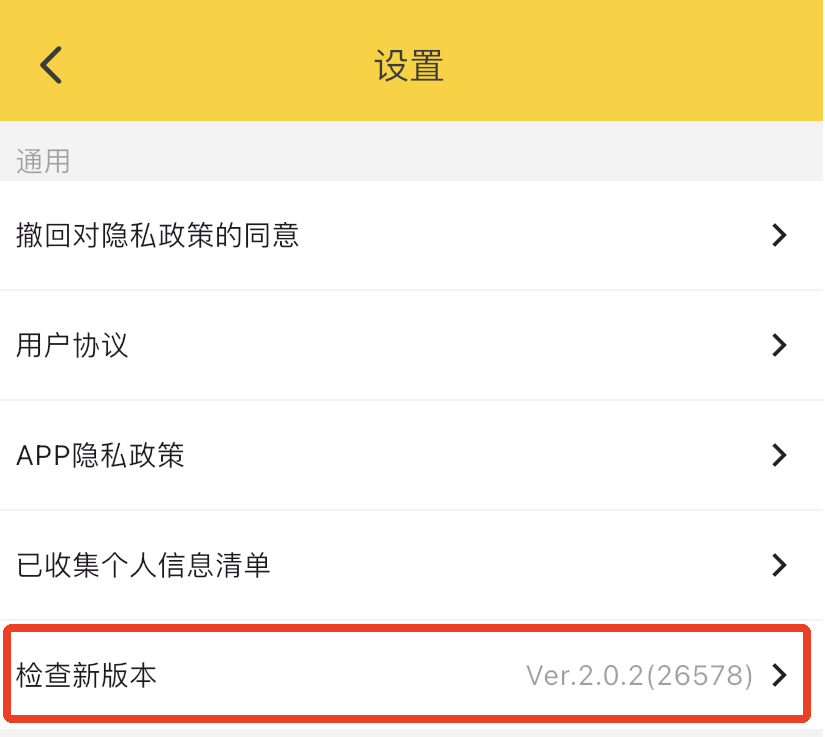
The iOS version of the SpeedyBee APP must be greater than or equal to: Ver.2.0.2 (26578)
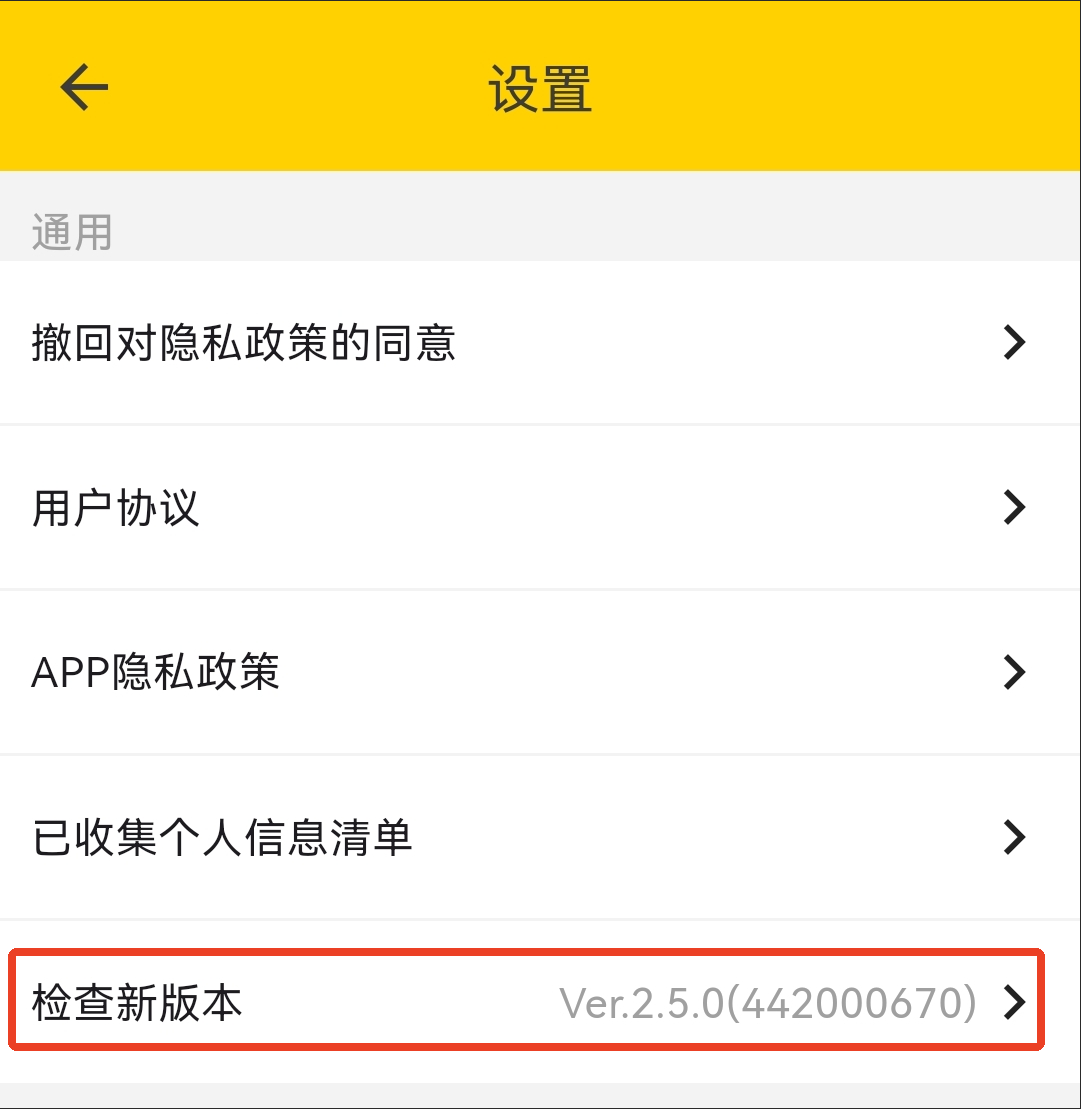
The Android version of the SpeedyBee APP must be greater than or equal to: Ver.2.5.0(442000670)
Firmware upgrade operation video:
Important
After updating the wireless board firmware to 8.1.0, you can connect to the latest version of the CoreWing APP for use!!!
Important
If you encounter problems, please check the detailed tutorial with images and text:
https://docs.corewing.com/plane/software/corewing-app/disconnect-corewingapp.html
IV. CoreWing F405 WING V2 Videos
CoreWing F405 WING V2 Review Video
CoreWing F405 WING V2 Soldering Tutorial Video:
How to use CoreWing APP for ArduPilot tuning: