
1. Determine Firmware Type
Warning
First confirm what firmware the TX and RX currently have!
1.1 Determine Transmitter Module Firmware
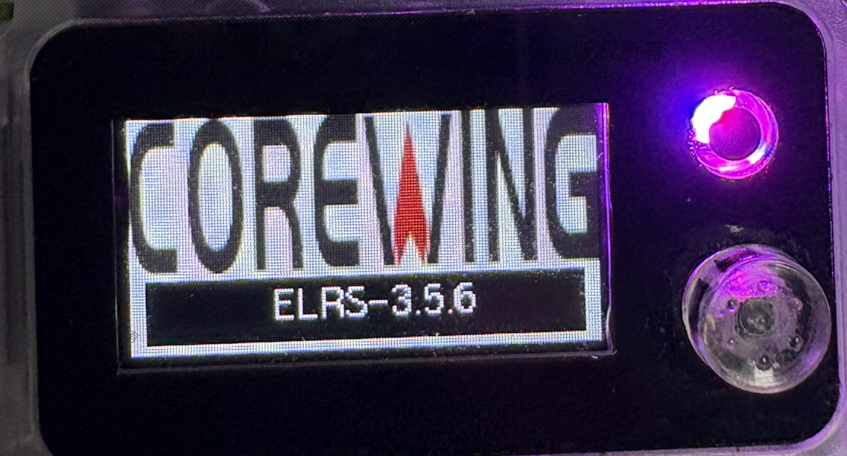
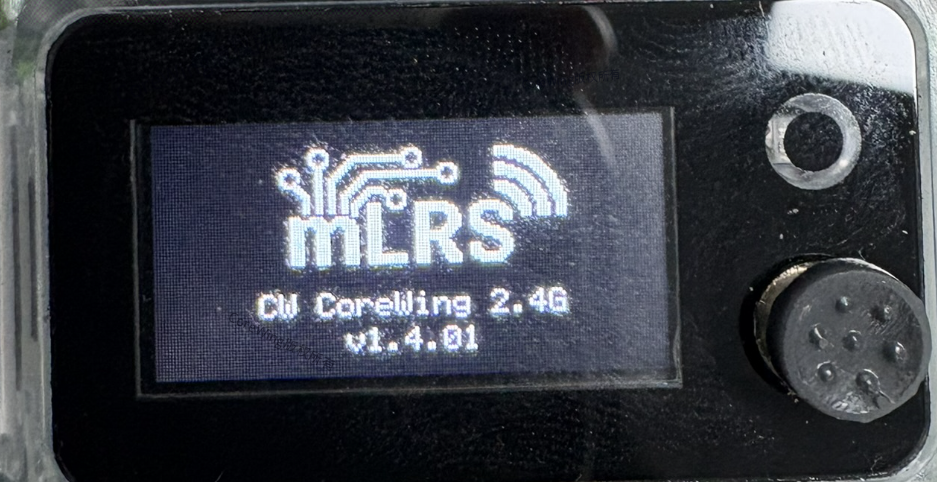
Power on the transmitter module and check the LED screen to confirm the firmware
ELRS Firmware:
mLRS Firmware:
1.2 Determine Receiver Firmware
After powering on the receiver, observe the LED color and blinking pattern to quickly determine the current firmware type.
| Feature | ELRS Firmware | mLRS Firmware |
|---|---|---|
| Startup Effect | 🌈 Rainbow Gradient | Direct Red Flash |
| Waiting for Connection | 🔴 Slow Blink (500ms) | 🔴 Fast Blink (2Hz, 2 times per second) |
| Connected Status | 🔵 Solid (color indicates packet rate) | 🟢 Green Slow Blink (1Hz) |
| RX WiFi Mode | Automatically enters WiFi after 60s | Must be manually enabled on the transmitter module's LED screen |
SkyGuy Receiver RGB LED Indicator Comparison:
| Status | Image |
|---|---|
| Startup | 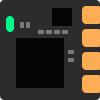 |
| Waiting for Connection | 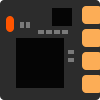 |
| Connected | 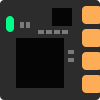 |
| WiFi Update | 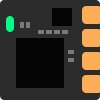 |
| Status | Image |
|---|---|
| Startup | 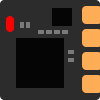 |
| Waiting for Connection | 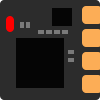 |
| Connected | 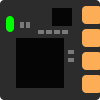 |
| WiFi Update | 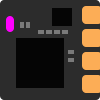 |
2. Pre-Upgrade Preparation
2.1 Equipment List
- Transmitter Module: CoreWing Sirius 2.4G ELRS
- Receiver: SkyGuy Nano 2G4 RX
- RC Transmitter: TX16S or other RC transmitters supporting external modules
- Phone: With CoreWing APP installed
2.2 Receiver Connection Instructions
Important
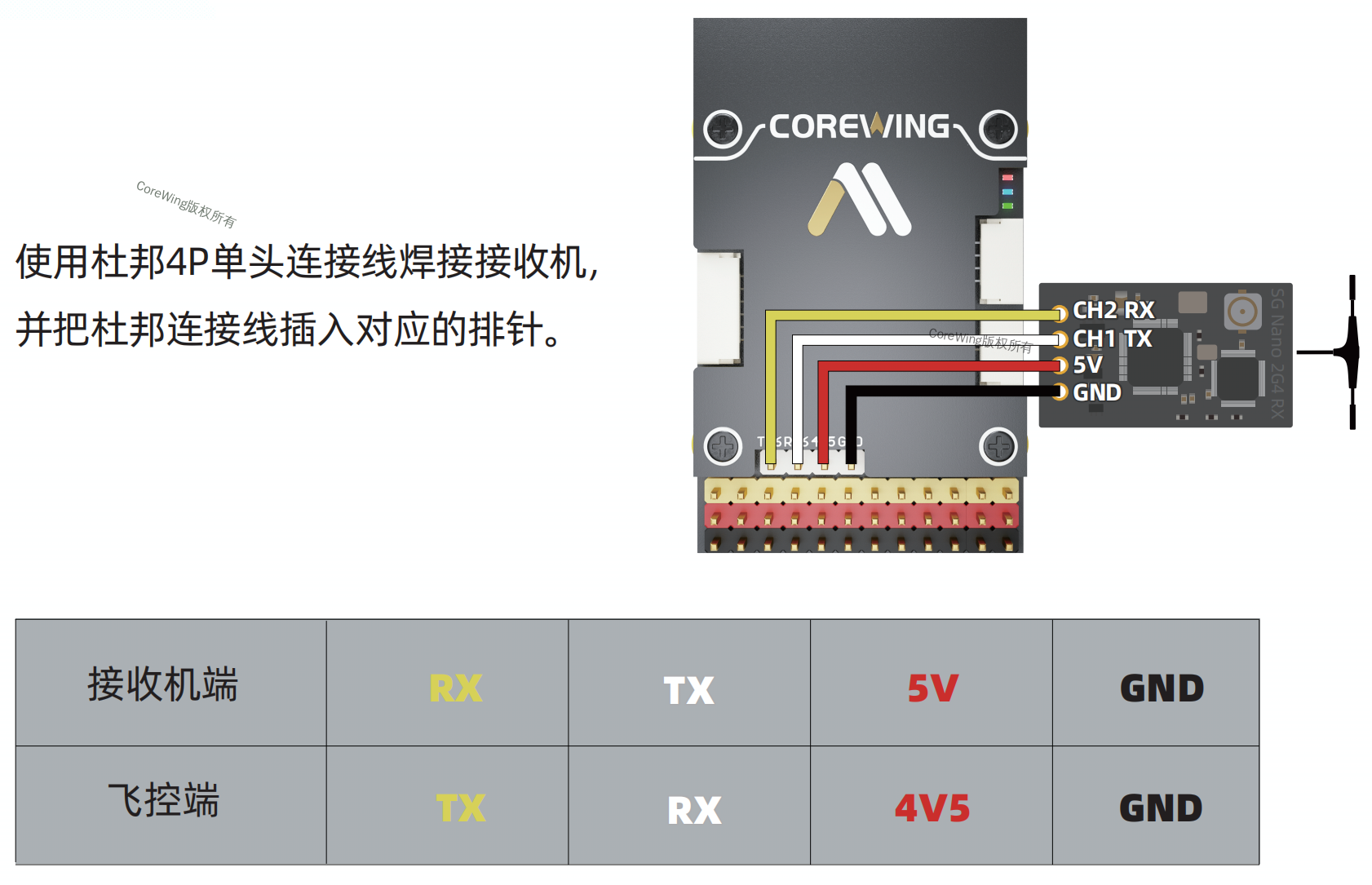
Connection Method for CoreWing F405 WING V2 Flight Controller and Receiver
Interface Requirement: Must be connected to Serial Port 6
Reason Explanation:
- Serial Port 6 has built-in DMA support
- Supports high baud rate communication at 460800bps
⚠️ Note: Although other serial ports (like Serial Port 4) are hardware compatible, this port does not support DMA, and the receiver will not be able to communicate properly if using MAVLink mode.
2.3 mLRS Frequency Pairing Tutorial
If you need to re-pair the mLRS TX and RX later, refer to:
3. Select Current TX/RX Firmware and Display Corresponding Tutorial
按当前固件组合筛选教程
选择你手上的 TX / RX 当前固件
选择完成后,页面只显示当前组合需要执行的教程步骤。
高频头 TX 当前固件
接收机 RX 当前固件
开始使用
先选择当前 TX 和 RX 固件
选择后,这里会直接显示你当前组合对应的刷写路径和具体教程内容。
4. Technical Support QR Code
If you have any questions, scan the code to contact technical support:
